Your website or app never closes. Customers place orders, book appointments and send enquiries at 2 p.m. and at 2 a.m. Every update, from a big new feature to a one-line fix, has to go in while the doors are open.
Most of the time, nobody notices an update. That's the point. Behind every smooth release is a simple routine that professional teams follow, so a change that works on a developer's laptop doesn't break checkout, logins or customer messages for real people.
Here's what that routine looks like in plain terms, and why it's worth asking your developer about.
Why one small change can break something else
Modern software is made of many connected parts. Changing one part can affect another part that depends on it, sometimes somewhere nobody expected. A new field on a form might change how orders are saved. A small wording change in a text message might make it longer and more expensive to send.
Developers are careful, but nobody can hold a whole system in their head. That's why good teams don't rely on memory. They rely on a process.
The five steps every update should pass through
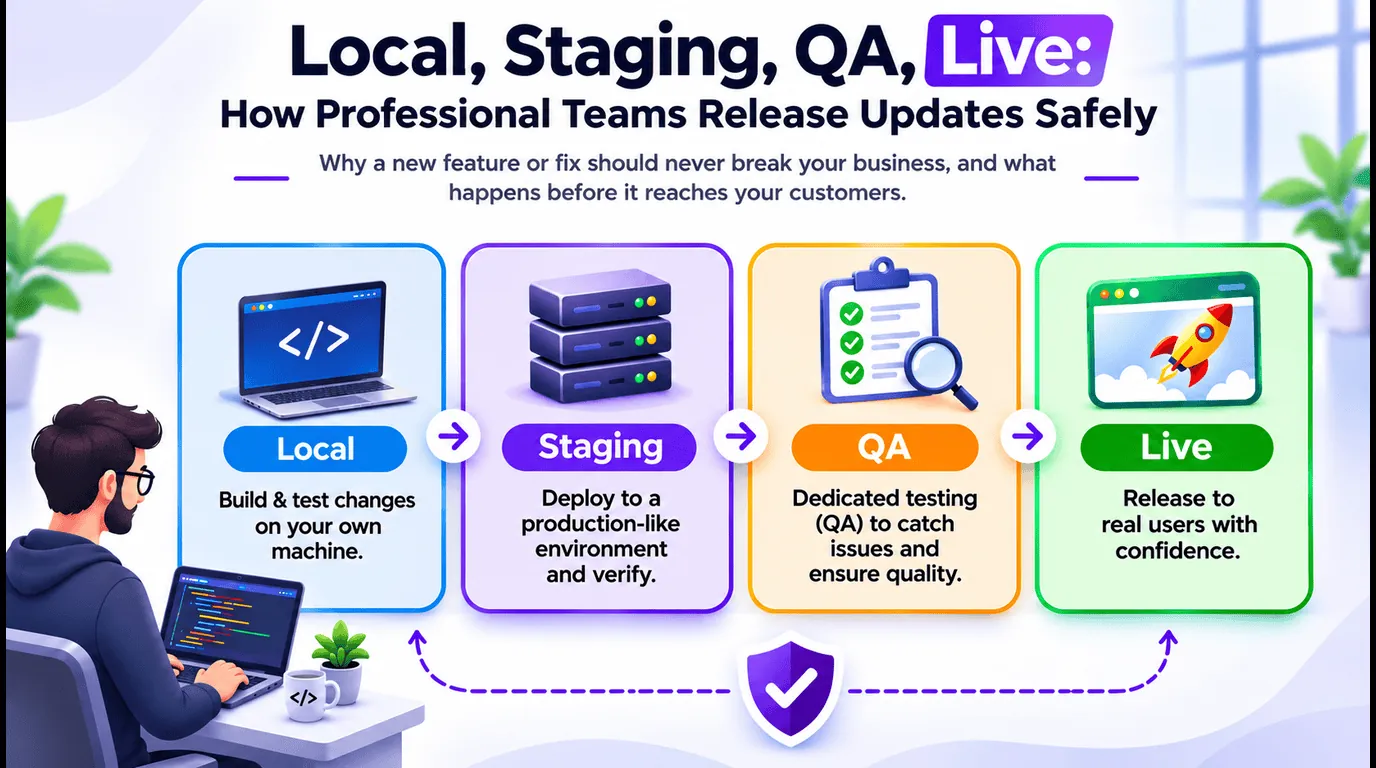
- Local development: the workshop. Every change starts on the developer's own computer, in a private copy of your website or app that only they can see. Nothing they do here can reach your real customers, so it's a safe place to build and experiment.
- Developer testing on local: checking each piece. Before the change leaves their computer, the developer runs unit tests. These are small automatic checks, each testing one piece of the system: does the price add up, is a phone number with a missing digit rejected, is a message short enough to send. Hundreds of them run in minutes and flag anything that no longer works the way it did yesterday.
- Staging: the dress rehearsal. Once it passes on local, the update goes to staging. Staging is a private copy of your live website or app, set up just like the real thing but filled with test data instead of real customers.
- QA testing on staging: trying it like a customer. A QA (quality assurance) tester uses the update on staging the way your customers would. They click through every screen, try the everyday paths and the awkward ones, and check it on different phones and browsers. This is where the problems that automatic checks miss tend to show up.
- Live: shipping to customers. Only after the update has passed developer testing and QA is it shipped to your real customers, ideally at a quiet time, and checked again straight after.
A real example from one of our projects
We recently added a feature to an AI assistant that talks to customers by text message. The assistant asks where the customer's car is kept, checks the postcode against official data, and shows buyers the suburb.
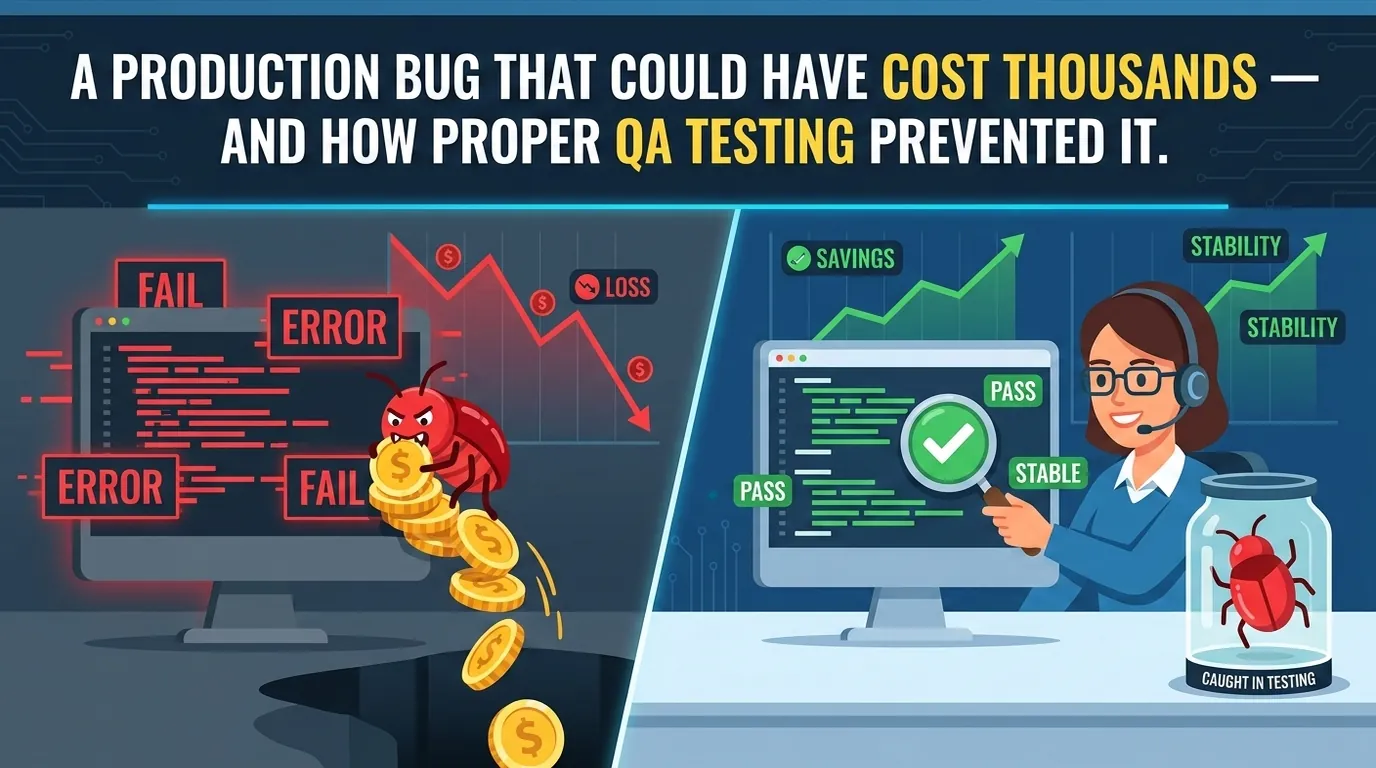
It worked on the developer's computer and passed every unit test. But during QA testing on staging, we found a situation nobody had planned for. A customer answered "no" to one question and then typed only the suburb name. The assistant kept asking for the postcode again and again.
On staging, that was a few minutes in a test chat. On the live system, it would have been real customers getting frustrated and giving up. We fixed it on local, added that exact conversation to the automatic checks so it can never quietly come back, and sent it through staging and QA again before shipping it live.
That is staging and QA doing their job.
The final checks before going live
- A second pair of eyes. Someone other than the person who built the change reviews it, looking for anything that could affect customer privacy, payments or existing records.
- Older data still works. Your system holds months or years of records created before this update. The new version has to read and show all of them correctly, not just the new ones.
- Older app versions are covered. Not every customer updates their phone app straight away. The live system has to keep working for them too, and when an update is truly needed, the app should say so clearly.
- There's a way back. If something unexpected happens after release, the team should be able to return to the previous version within minutes, not hours.
What you can ask for as a business owner
You don't need to understand the technical details to make releases safer. You can simply ask your developer for:
- a staging link, so you can try important changes yourself before customers see them
- a short release note in plain language: what changed and what to look out for
- a heads-up before big releases, so they don't land during your busiest hours
- a clear answer to "what happens if something goes wrong after release?"
Why it takes a little longer, and why that's worth it
This routine adds time between "it's finished" and "it's live". Sometimes a day, sometimes a few. It can feel slow when you're waiting for a new feature.
But skipping it costs far more: lost orders, a broken checkout over a weekend, customers receiving the wrong messages, and hours of emergency fixes. A careful release process is cheap insurance for the part of your business that never closes.
Quick checklist
- Every change is built on local, away from real customers
- The developer runs unit tests before anything leaves their computer
- There's a staging copy of your website or app to rehearse on
- QA tests every update on staging before it ships
- Someone other than the developer reviews each change
- Older records and older app versions keep working
- Releases happen at quiet times and are checked straight after
- There's a fast way back to the previous version
- You get a plain-language note of what changed
The bottom line
Your customers should never notice your updates, only the improvements. Local development, developer testing, staging, QA and a careful release are how professional teams make sure a new feature adds value instead of taking your business offline.
Logic Providers takes every update from local to staging to live, with testing at every step. Every change is built and unit tested on local, moved to staging, checked by QA and only then shipped live, with a plan B ready. You get a staging link to try changes yourself and a plain-language note of what changed. Your business keeps running while it keeps improving. Get in touch with Logic Providers to talk about your website or app.