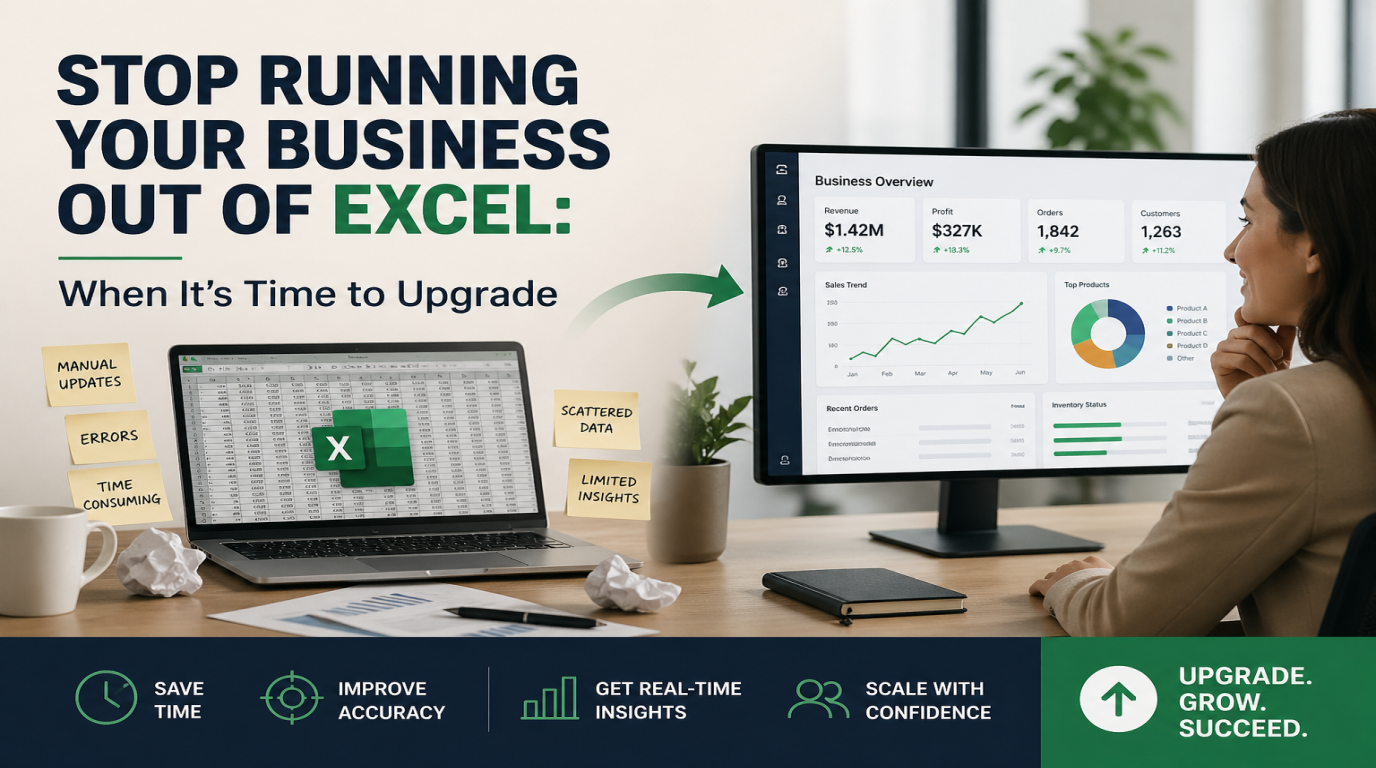
Stop Running Your Business Out of Excel: When It's Time to Upgrade
Let me guess.
You've got an Excel file called "Master Sheet" or "Customers Final" or "Inventory v7." It lives on someone's computer, maybe on a shared drive, and you've been using it for years. It tracks your customers, your stock, your invoices, your staff hours, or maybe all of the above.
And every time someone suggests replacing it, you push back. Why fix what isn't broken? Excel is free. Everyone knows how to use it. It just works.
I get it. Excel built a lot of small businesses, including some of mine years ago. But here's the thing nobody talks about. Excel is a great tool until the day it isn't. And that day usually shows up suddenly, often at the worst possible time.
Let's talk about when it's time to move on, why it matters, and what your options actually look like.
How Most Businesses End Up Here
Nobody plans to run their entire business on a spreadsheet. It just sort of happens.
You start with one Excel file to track your first 10 customers. Easy. Then you add a tab for invoices. Then another for stock. Then you hire someone, and they make their own version of your file because yours was a mess. Then someone emails the file to a client by mistake. Then the file gets so big it takes 30 seconds to open.
Five years later, your whole business is held together by a spreadsheet and a few hopeful prayers.
Sound familiar? You're not alone. I'd say 7 out of 10 small businesses I work with are still doing this in 2026.
A Real Story That Might Sound Familiar
A few months ago, I sat down with the owner of a small auto parts shop. Great guy, been in business 14 years. He ran everything out of one Excel file. Inventory, supplier list, customer orders, the lot.
One Tuesday morning, his computer wouldn't boot. Hard drive failure. No backup.
He lost 14 years of business data in one afternoon.
He got most of it back eventually because his accountant had old copies of some sheets and a few customers were able to share their old invoices. But it took him almost two months to rebuild even a basic version of what he had. Two months of guessing what he had in stock. Two months of calling customers to ask what they ordered last time. Two months of stress.
The whole thing could have been avoided with a 50 dollar a month inventory system that backs up to the cloud automatically.
That's the kind of moment that turns "Excel is fine" into "I should have done this years ago."
Signs You've Outgrown Excel
You don't need to wait for disaster to make the switch. Here are the warning signs I look for when I sit down with a business owner.
1. More Than One Person Touches the File
The minute two people are editing the same spreadsheet, you've got problems. Someone overwrites someone else's changes. Two versions of the file start floating around. Half your team is working from old data and they don't even know it.
If you've ever heard yourself say "wait, which version is the latest one," that's your sign.
2. You're Copying and Pasting the Same Info Into Different Places
You enter a customer's name in your invoice spreadsheet. Then again in your customer list. Then again when you make a delivery slip. That's not a system. That's just you doing the same job three times.
A real business tool enters the data once and uses it everywhere.
3. Your File Is Slow or Keeps Crashing
Excel was built to handle numbers, not run a business. Once your file gets too big, it starts to lag. Then it starts to crash. Then one day it corrupts itself and you lose three days of work.
If you've ever lost work to a crashed Excel file, you already know what I'm talking about.
4. You Can't Find Anything
Quick test. Open your main spreadsheet right now. Try to answer this question. How many invoices did you send to your top three customers last month, and how many of those have been paid?
If that takes you more than two minutes to figure out, your data is hiding from you. That's a sign you've outgrown the spreadsheet.
5. You're Making Decisions Based on Gut Feel
When you can't quickly see what's selling, what's not, who owes you money, and which products are running low, you stop using data to make decisions. You just guess. And guessing eventually catches up to every business owner.
6. Tax Season Is a Nightmare
If your accountant winces when you send them your books, that's a sign. Real accounting software talks directly to the tax system. Excel doesn't. You end up paying your accountant extra hours just to clean up your sheets.
Another Real Example
A bakery owner I know was running her wholesale orders on Excel. She had 30 cafes and restaurants buying from her every week. Each one had different prices, different delivery days, different standing orders.
Every Sunday night she spent four hours building her week's delivery sheets. Copying, pasting, double checking. Four hours of unpaid work, every single week.
We moved her to a simple online ordering system that cost her about 40 dollars a month. Now her cafes log in and place their own orders. Her delivery sheets generate themselves. Sunday nights, she watches TV with her kids.
Four hours a week. That's 200 hours a year. For 480 dollars in software.
You do the math.
What to Move To Instead
The good news is, you don't need to spend 50 thousand dollars on custom software. There's a tool for almost every business need now, and most of them are cheap.
Here's a quick guide.
For Customer and Sales Tracking
Look at tools like HubSpot, Zoho CRM, or Pipedrive. The basic versions are often free or cheap. They track every customer interaction, send reminders, and pull reports in one click.
For Invoicing and Accounting
QuickBooks Online, Xero, or Wave. These talk to your bank, generate invoices, track payments, and make tax season actually bearable.
For Inventory and Orders
Square, Shopify, or Lightspeed if you sell products. They handle stock, sales, and reporting in one place. If your needs are unusual, a custom solution might make more sense.
For Team Tasks and Projects
Trello, ClickUp, or Notion. Free for small teams. Replaces the "follow up" tab in your master Excel file.
For Bookings and Appointments
Calendly, Acuity, or Square Appointments. Clients book themselves. No more email back and forth.
If your business is more specific or you've got a workflow nothing off the shelf can handle, that's where a custom built tool comes in. But honestly, 80 percent of small businesses can solve their problems with a few off the shelf apps stitched together.
"But What About All My Old Data?"
This is the number one fear. People think moving away from Excel means losing everything they've built.
It doesn't. Almost every business tool out there has an Excel import option. You upload your spreadsheet, the system reads it, and your data shows up in the new platform. Sometimes it takes a bit of cleanup. But it's nothing like starting from scratch.
If you're worried about messing it up, this is exactly the kind of work an IT partner can do for you in a few hours. Way cheaper than building it back from memory after a hard drive crash.
What It Actually Costs
Most business owners overestimate the cost of upgrading.
Here's a real range. For a small business with under 10 staff, you can usually get a proper setup running for between 50 and 300 dollars a month total. That covers your CRM, your accounting, your inventory, and your team tools.
Compare that to the cost of an Excel disaster. One lost client because you forgot to follow up. One bad inventory count that left you with too much stock or none at all. One full week of your time recreating data after a crash. Any one of those costs more than a full year of proper software.
How to Make the Switch Without the Headache
You don't have to do it all at once. Pick the one area causing you the most pain right now. Maybe it's invoicing. Maybe it's inventory. Maybe it's customer follow ups.
Start there. Move that one thing to a proper tool. Use it for a month. Get comfortable. Then move the next thing.
Most businesses can fully transition off Excel in about three months if they take it step by step.
The Bottom Line
Excel is a great tool. For what it was built for. It's not built to run a business in 2026.
If your business has grown past 10 customers, more than one staff member, or more than 50 transactions a month, you're paying a hidden tax every day you stick with spreadsheets. The tax of slow work, missed opportunities, lost data, and decisions made on gut feel.
The tools to fix this are cheaper than they've ever been. The setup is faster than it's ever been. The only thing standing between you and a smoother business is the decision to finally move on.
Look at your most painful spreadsheet today. The one you dread opening. That's where you start.
At Logic Providers, we help business owners move off spreadsheets and into proper systems without the chaos. Whether it's setting up an off the shelf tool or building something custom for your workflow, we can take a look at what you're using now and tell you honestly what's worth changing.