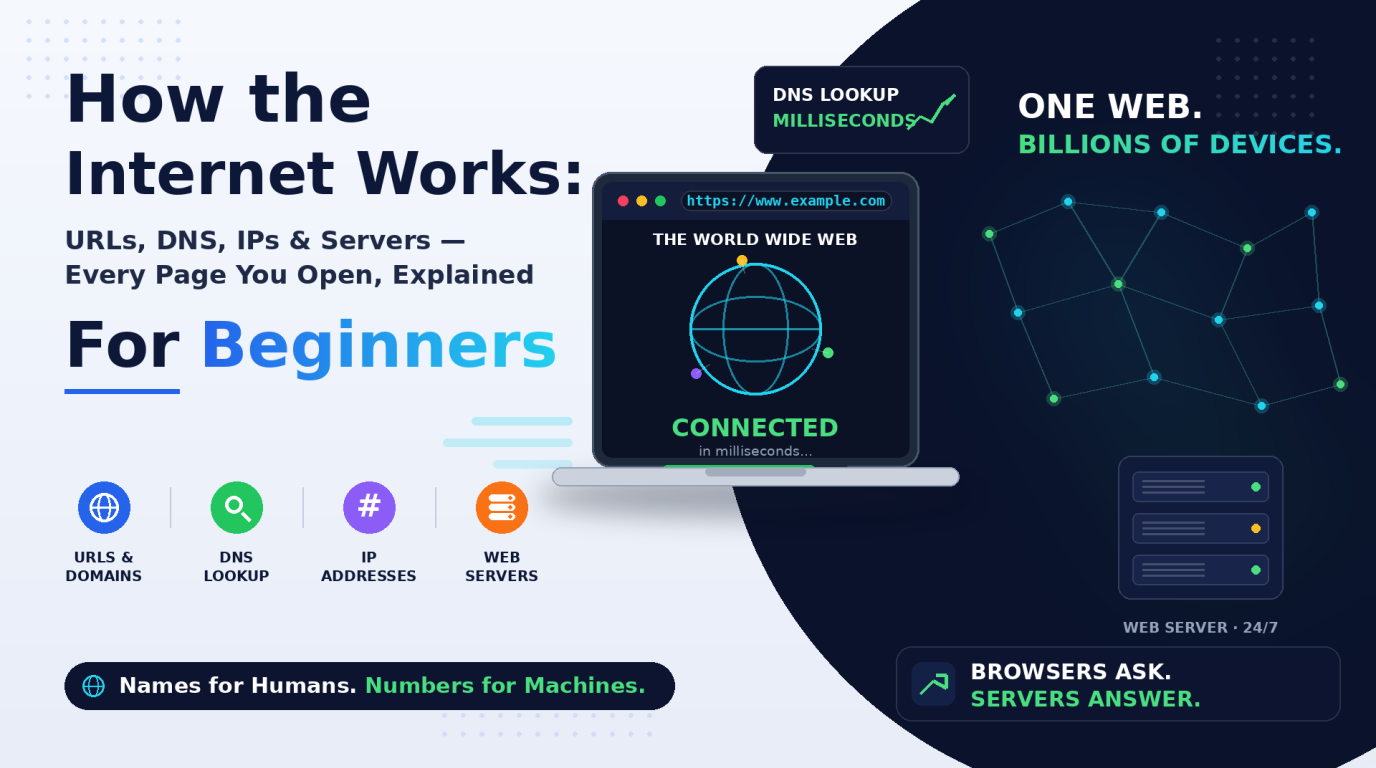
You use the Internet every day to search, shop, stream, chat, and work. But what actually happens in the second between typing an address and seeing a web page? What is a URL, really? Where does a website "live"? And why do people say the Internet and the World Wide Web are not the same thing?
This guide answers those questions in plain language, with no prior technical knowledge needed. By the end, you will understand the core building blocks of the web - pages, websites, browsers, URLs, domains, IP addresses, DNS, servers, and search engines - and how they fit together. Note: we deliberately keep HTTP for a separate blog, where it deserves a full deep dive.
The Internet: The Network Underneath Everything
The Internet is a global network of networks - millions of computers, servers, routers, undersea cables, satellites, and Wi-Fi connections linked so that any device can exchange data with any other device, anywhere in the world. Think of it as the world's road system: roads do not decide what travels on them; cars, buses, and trucks all share the same infrastructure. In the same way, many different services travel over the Internet: email, video calls, online games, file syncing, and yes, the World Wide Web.
Key idea: The Internet is the physical and logical network that connects devices. Everything else in this article - the Web, DNS, servers - is something that runs on top of that network.
Internet vs. World Wide Web: Not the Same Thing
The World Wide Web (WWW), invented by Tim Berners-Lee in 1989, is a system of interlinked documents and applications (web pages) that you access through a browser using URLs. The Web is one service that uses the Internet, just like email or video calling do. When you join a Zoom call, you are using the Internet but not the Web; when you open a news site in Chrome, you are using both.
Web Pages, Websites, and the Browser
A web page is a single document on the Web, a text file written in HTML that tells the browser what the page contains, with CSS adding the styling and JavaScript adding interactivity. A website is a collection of related pages grouped under one domain name: if a web page is a single page in a book, the website is the whole book, and the domain name is the title on its spine.
A web browser (Chrome, Firefox, Safari, Edge) is the app you use to request and display those pages, the "client" side of the conversation. On every visit it resolves the address, requests the page from a server, receives the files (HTML, CSS, JavaScript, images), and renders them into the visual, clickable page you see.
Quick example: wikipedia.org is a website. wikipedia.org/wiki/Internet is one specific web page inside it. Same book, different page.
Common confusion - browser vs. search engine: A browser (Chrome) is a program on your device that displays web pages. A search engine (Google) is a website you visit inside a browser to find other websites. Chrome is the car; Google is a directory you can drive to.
URL: The Address of Everything on the Web
A URL (Uniform Resource Locator) is the full address of a specific resource on the Web: a page, an image, a video, or a file. Just as a postal address has a country, city, street, and house number, a URL has structured parts, each with its own meaning. Using https://www.example.com/blog?id=7 as an example:
- Protocol (https://) - the rules the browser and server use to talk; the "s" means encrypted (full deep dive in the next blog).
- Subdomain (www.) - an optional prefix pointing to a section of a site, like blog. or mail.
- Domain + TLD (example.com) - the site's human-friendly name plus its Top-Level Domain (.com, .org, .in).
- Path (/blog) - which page or resource inside the site you want.
- Query string (?id=7) - extra information for the server, like a search term or item ID.
Domain Names and IP Addresses
Computers find each other using numbers, but numbers are hard for humans to remember. Domain names solve this: memorable names like google.com that stand in for those numbers. They are registered through registrars (GoDaddy, Namecheap) for a yearly fee, coordinated globally by ICANN so no two parties own the same name. The TLD often hints at purpose or place: .com (commercial), .org (organizations), .edu (education), and country codes like .in, .uk, or .ca.
An IP address (Internet Protocol address) is the actual numeric address of a device on the network. Every phone, laptop, and web server has one, and data travels addressed to an IP the way a parcel is addressed to a house. Two versions are in use:
- IPv4 - four numbers from 0 to 255, like 142.250.183.14 - about 4.3 billion addresses, which the world has essentially run out of.
- IPv6 - a much longer format, like 2001:0db8:85a3::8a2e:0370:7334, created to give a practically unlimited supply for modern devices.
DNS: The Internet's Phonebook
If humans use names (example.com) but computers use numbers (93.184.216.34), who does the translating? That is DNS, the Domain Name System: a worldwide, distributed directory mapping domain names to IP addresses. When you type an address, your device asks a DNS resolver (run by your Internet provider, or public ones like 8.8.8.8 or 1.1.1.1) to look up the name. If the resolver does not already know, it asks a chain of servers - root, then TLD, then the domain's own authoritative server - until the IP comes back.
The resolver then caches (remembers) the answer, so repeat lookups are nearly instant. Without DNS, you would have to memorize a string of numbers for every website you visit; the Web as we know it could not function.
Web Servers and Search Engines
A web server is a computer (plus its software - Nginx, Apache, IIS) that stores a website's files and hands them out whenever a browser asks, running 24/7, usually in cloud data centers like AWS or Google Cloud. The relationship is simple: the browser is the client that asks; the server is the machine that answers. One server can host many small sites, while a giant site like YouTube spans thousands of servers worldwide.
With over a billion websites, nobody can know all the addresses, so search engines (Google, Bing, DuckDuckGo) index the Web so you can find pages by what they contain. They work in three stages:
- Crawling - automated "spiders" follow links from page to page, discovering content across the Web.
- Indexing - discovered pages are organized into a giant searchable index, like the index at the back of a textbook.
- Ranking - when you search, matching pages are sorted by relevance and quality, so the most useful appear first.
Putting It All Together
Here is the full journey that happens, usually in under a second, every time you visit a website: you type a URL, DNS translates the name to the server's IP address, the web server sends back the page's files, and your browser renders them into the page you see. Every link you click starts the journey again.
Quick Reference: The Terms at a Glance
| Term | In one line |
| Internet | The global physical network connecting all devices |
| WWW | The system of linked pages and apps that runs on the Internet |
| Web page | A single document, written in HTML, displayed by a browser |
| Website | A collection of related web pages under one domain |
| Browser | The app (client) that requests and displays web pages |
| URL | The complete address of a specific resource on the Web |
| Domain name | The human-friendly name of a website (example.com) |
| IP address | The numeric address of a device or server on the network |
| DNS | The system that translates domain names into IP addresses |
| Web server | The always-on computer that stores and serves a website |
| Search engine | A service that indexes the Web so pages can be found by content |
Conclusion
The Web can feel like magic, but it is really a handful of simple ideas working together: the Internet provides the connections, IP addresses and DNS provide the addressing, servers store the content, URLs point to it, and browsers turn it all into the pages you use every day. Once you see these building blocks, everything else - from building your first website to debugging why a site will not load - becomes far less mysterious.
What is next: in the next post, we will open up the conversation itself - HTTP and HTTPS: how browsers and servers actually talk, requests and responses, status codes, and why that padlock in your address bar matters. If you want a preview of where HTTP is heading, our piece on the new HTTP QUERY method covers the first new verb since 2010.
Key takeaway: The Internet is the network; the Web is a service on it. Names (domains) exist for humans, numbers (IPs) exist for machines, and DNS is the bridge between the two. Browsers ask, servers answer - and that simple conversation powers everything you do online.